a-logo-design-featuring-the-words-george_PFBT41WfQZqFei1sD5RGzA_27z0AN-gS2qPTXi2HHSAPg
⌘K
Home Q&A Calls BizPlan26
💛
Home
Q&A Calls
bBizPlan26
cCourses
oOrientation
aAuthentic Speaking
a Authentic Market Discovery
c Create Aligned Offers
Joyful Productivity (Course)
a✨ Authentic Outreach (AO)
j Joyful Pro
bBlog-to-Book
c🚀 Course Creators
y🖼️ Your Signature Framework
e🙋 Effortless Yes
e🌈 Energy Signature
mMeta Ads (FB / IG Advertising)
hHealthy Money
i🎤️ Interview Mastery
l‍ Launch Your Group Program
nNetcaring
s🦸🏽✍🏽 Soulful Content (OGI)
Substack Course
w "What do you do?"
No results
💛
Favorites
Playlists
History
Orientation for George Kao's Courses

The people around you

0 / 3 completed
Comment once, Reply twice 4:10
Comment once, Reply twice -- and other commenting tips
You are not expected to read every comment, and certainly not expected to reply to every one. Some lessons have dozens, and reading them all would take longer than the course. Try this rhythm instead: comment once, reply twice. Share your own takeaway on a lesson, then reply to two other people. It takes a few minutes, it helps you integrate what you just learned, and it means nobody's comment sits there alone. @mention people so they hear you. When you reply to someone, type @ and start typing their name, then click their name when it appears. Skip that step and they may never know you replied -- and knowing that a comment was seen makes a difference to the person who wrote it. Find your way back to your own comment. Every comment has its own web address. Click the timestamp on your comment and bookmark the page it takes you to -- that link goes straight back to your comment, however many comments arrive after yours. On lessons that hold a YouTube video, posting a comment refreshes the page and restarts the video. Note roughly where you are before you post, so you can pick the video back up. Adding a video to your comment? Upload it to YouTube as unlisted and paste the link. Please do not use the plus button to upload the video file itself -- that fills up the course platform's video storage. In a group forum, a post only shows one comment until you click the comments button. Click that button to open the rest, and you can sort by newest, oldest, or top.
1 3
Fill out your profile & find your fellow students 🙌🏾
You might wonder where the forum or group chat for a course is. Every lesson has a comment area underneath, and that area serves as a focused group chat on the topic of that lesson. The conversation sits right next to the material it is about. Click here to edit your profile Your classmates look forward to learning about you! Some things you might want to include in your profile: A link to your website A link to a social media page/profile where you’re most active A brief description of your ideal client (or whatever you would guess about them at this stage)...  A brief description of the work you most love to do for/with your ideal client, i.e. your product/service…  How long you’ve been in business / how developed it is…  Where your growth edge currently is in business… and what area, skill, or habit  you’re leaning/growing into next… (this helps to humanize your intro, and not make it sound like a sales pitch!)  What kind of connections you’re looking for in this course community, e.g. study buddies (on what topic?), potential collaborations (any ideas?), etc. Any other personal details that are important for us to know about you? Here again is the link to fill out your profile. Finding your classmates Click anyone's name or photo above their comment to see their profile -- their work, their links, whatever they chose to share. That is also the reason to fill out your own: a filled-in profile is how people find you.
2 6
Introducing yourself, and messaging your classmates
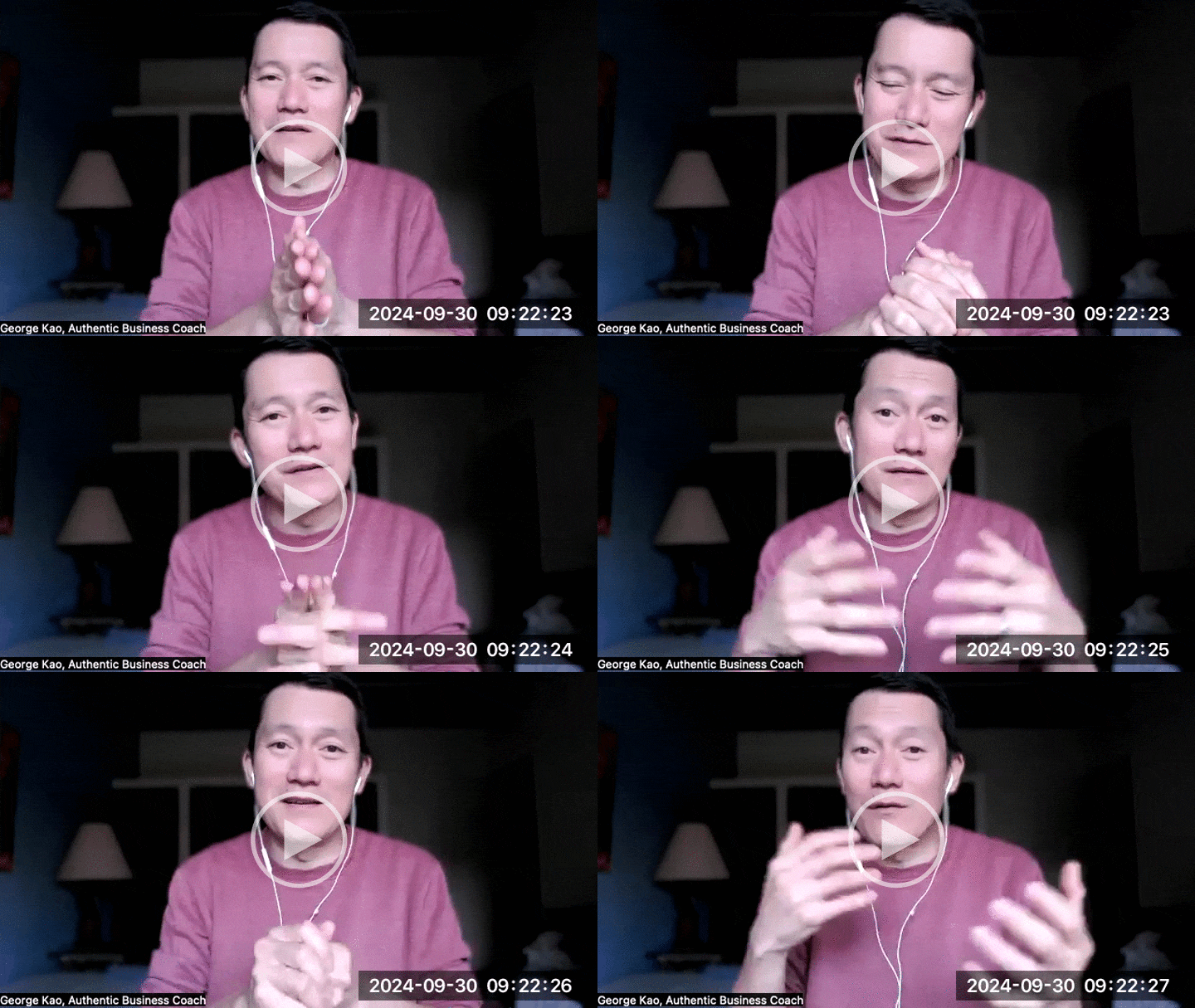
Instead of just trying to say everything about what you do, make it more of an experience of your energy signature... 3-minute video about this Sending someone a private message? Whether it is email, a social media DM, or a text -- writing, audio, or video? Here is my personal rule: Writing is most respectful, because it is the quickest for the other person to read. The more of a relationship you have with someone, the more patience they will likely have for your audio or video. Even so, if you are asking for something, writing is still kinder. If you do record audio or video, try to keep it under a minute 😅 and use it for sharing feeling rather than information. Information reads faster than it listens. Unless you are volunteering help or doing someone a favor -- then longer is fine, though I would still aim for under three minutes.
6 23
Copyright © 2026
Customer service
Terms and conditions
powered by